Mobile notifications
Email and mobile notifications to keep both you and your carers updated.

Booking, scheduling, and client management
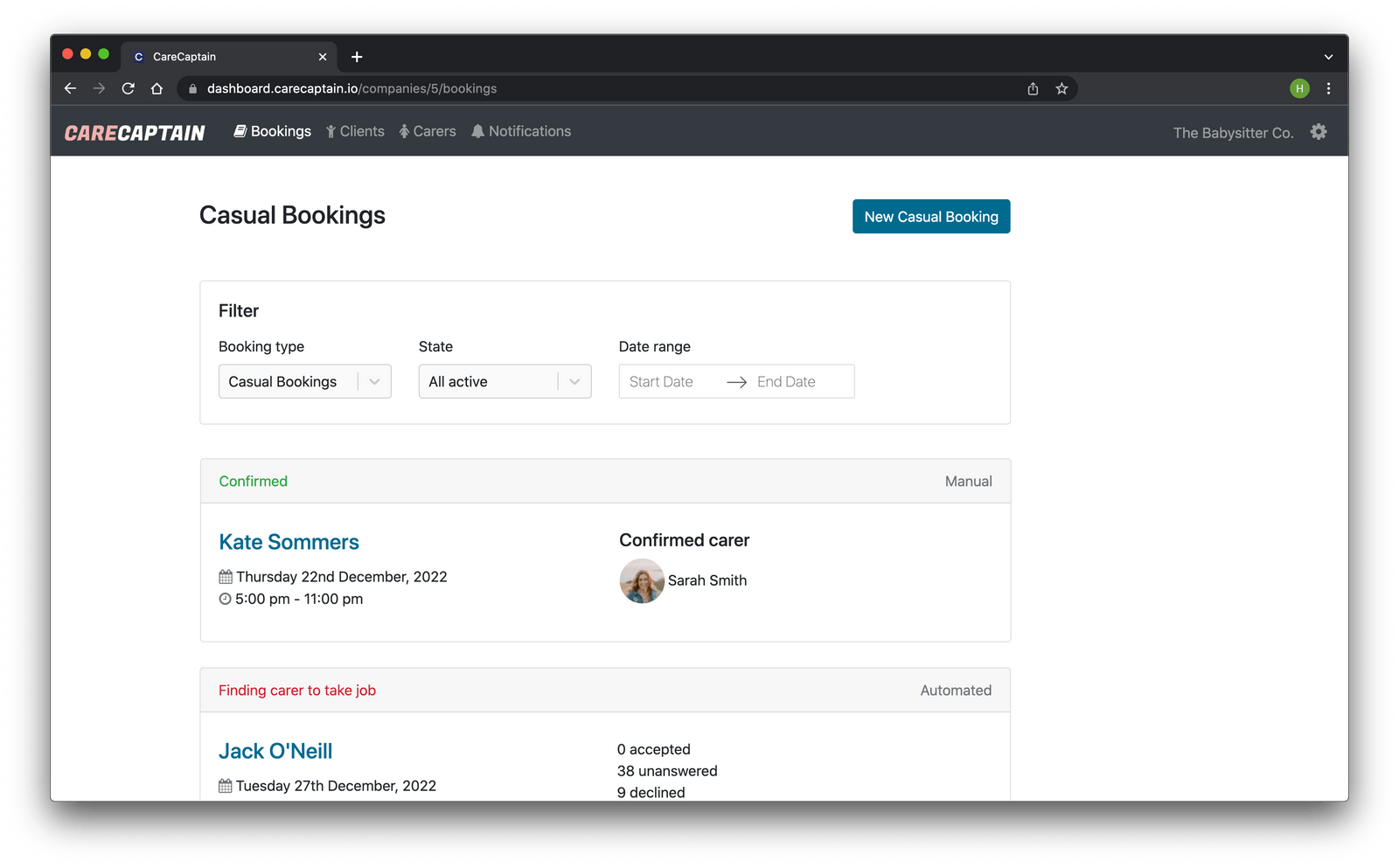
An all-in-one booking, scheduling, and client management system designed specifically for babysitter and nanny agencies.
Currently operating in Australia, the United States, and Canada.
Features
Email and mobile notifications to keep both you and your carers updated.

Easily manage your client profiles, update their info, and see their bookings and placements.

Offer nanny placements to your team, get replies, track the status, and invoice clients.

Select the automatic booking option to email the first accepting carer's profile to the client.

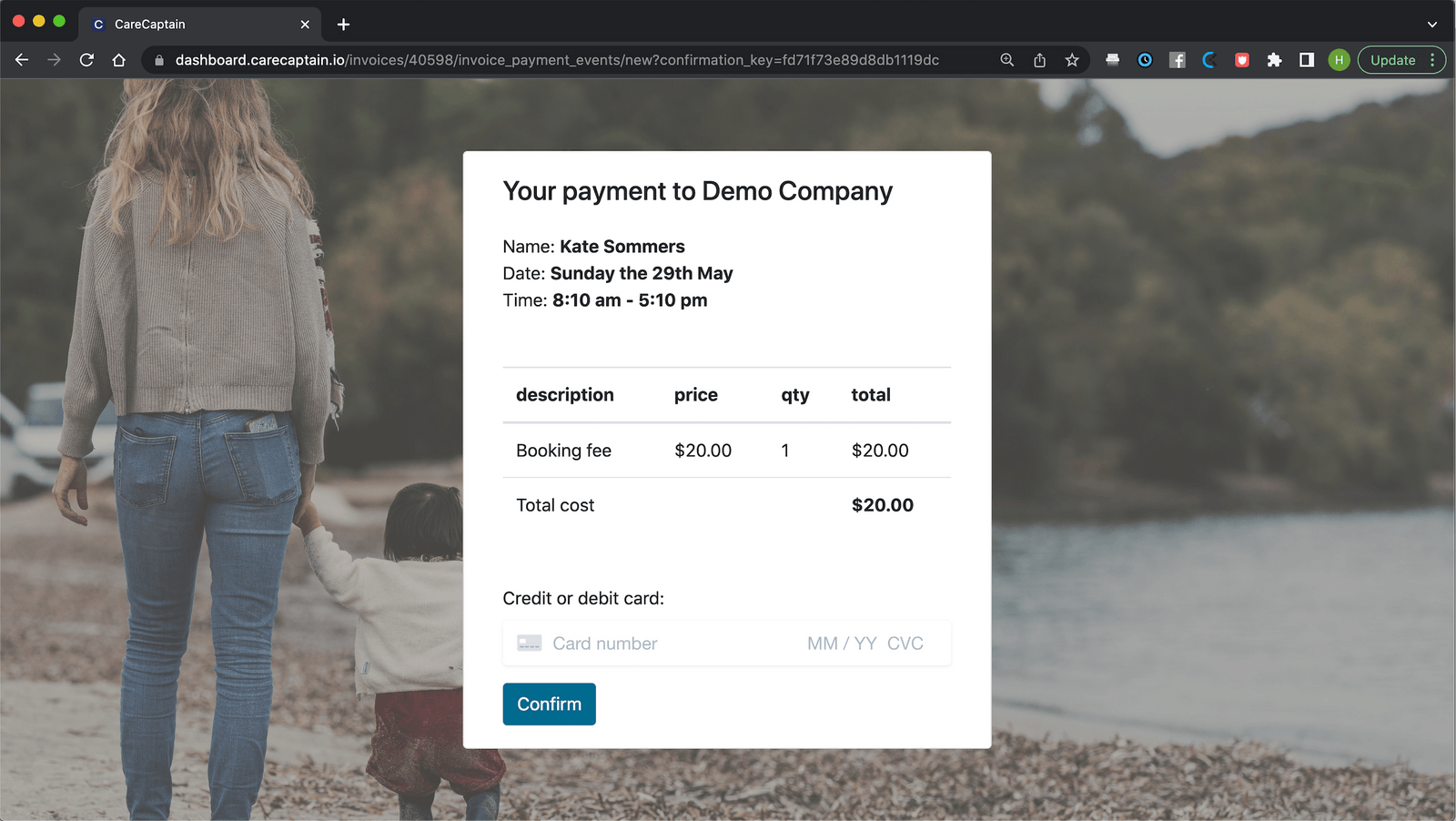
Charge booking fees, save client payment methods, and create invoices for bookings or placements.

Tag your carers however you like, and offer bookings or placements to specific groups.

Use your admin account with full functionality on both desktop and mobile.

Add multiple locations to differentiate teams of carers and clients.

Embed your CareCaptain booking form on your website so bookings come straight through to your dashboard.

Easily download spreadsheet reports of your bookings and clients.

Customise your email templates in your own style, so your clients see no difference.

Carers can sync their CareCaptain bookings to Google Calendar or iCal.
Carer app
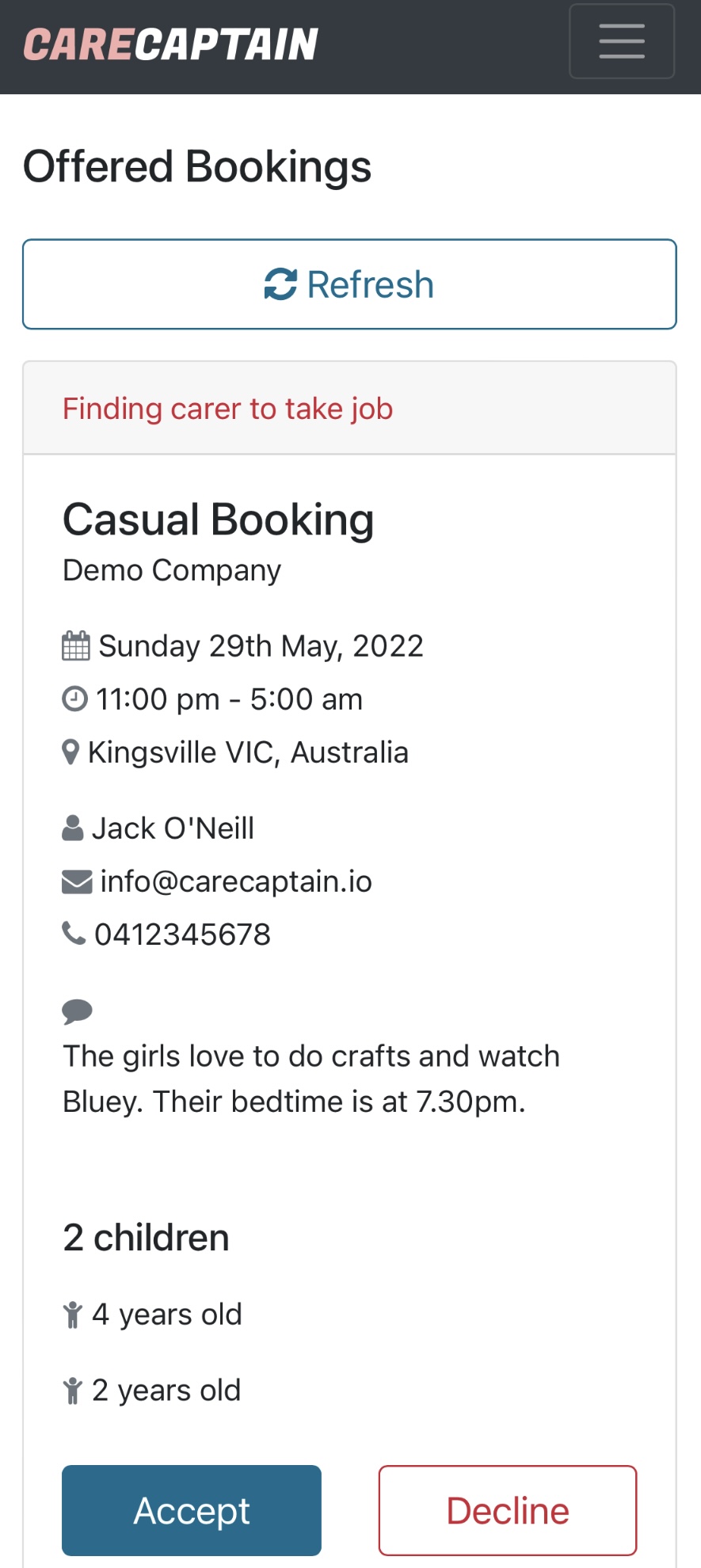
Your carers get their own CareCaptain mobile app that allows them to:
Booking flow
Your CareCaptain casual booking form is embedded on your website so clients book as per usual.

Select either the manual or auto booking option, then send it to qualified sitters or tag groups.

Suitable sitters are notified via mobile and can open their app to review the booking details.

Once the booking reaches the right carers, the response process is simple and immediate.

CareCaptain can automatically send the accepted sitter's profile to the client for review.

The carer is then notified and the booking moves into their confirmed bookings tab.
Custom emails
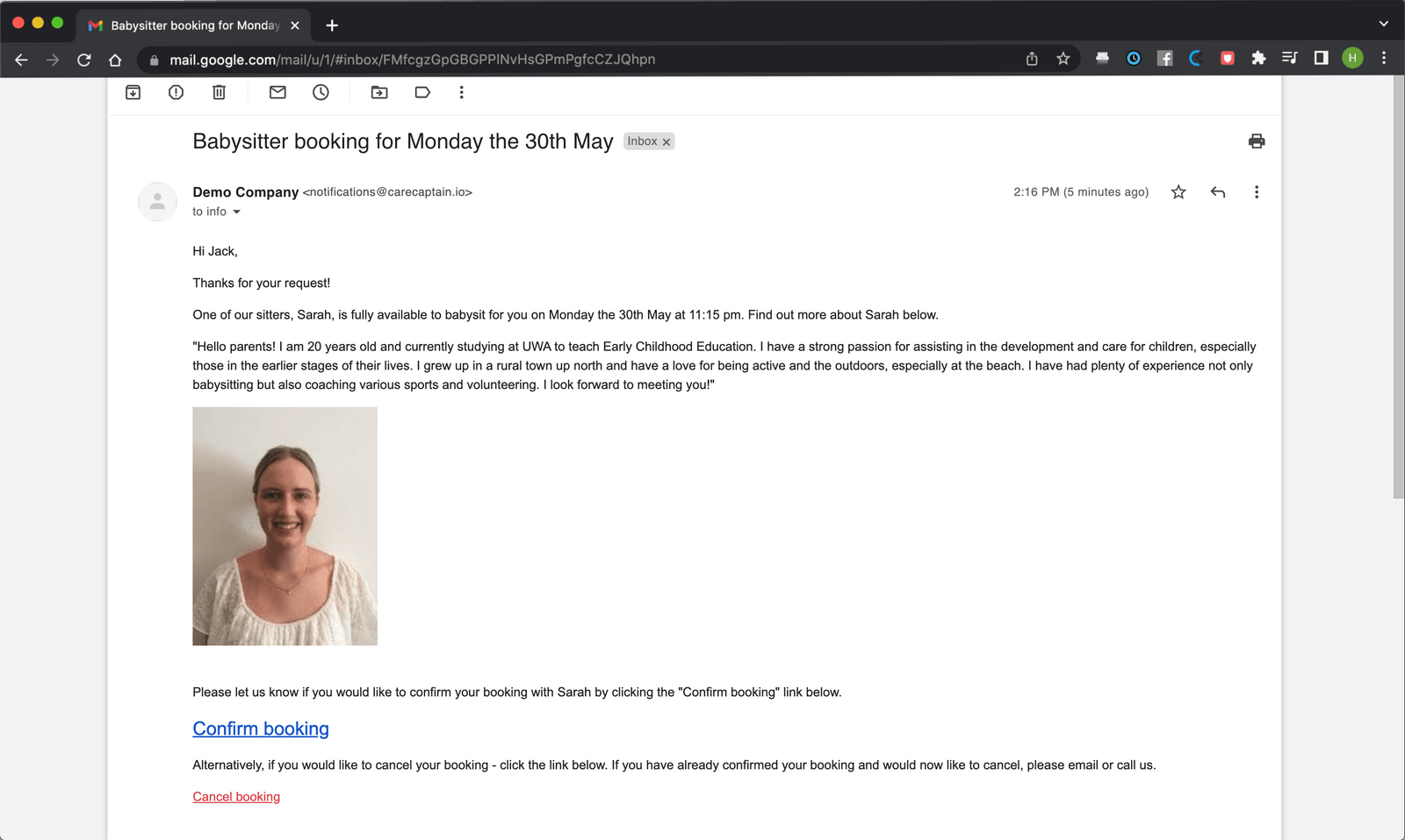
This is the email sent to the client after a carer accepts the booking. It can be automated or manually sent, and it lets clients confirm or cancel while CareCaptain updates the booking and notifies the carer.
Billing
We've integrated with Stripe Payments to let you take booking fees and create invoices. You can choose to take upfront payment or charge the client after you've found a sitter.
Integrations